Search your open tabs without touching the mouse.
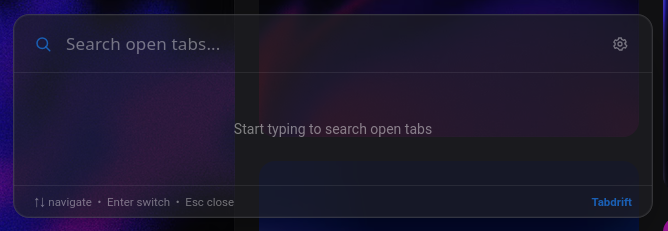
Tabdrift is a small Firefox extension that opens a floating search over whatever page you're on. Press the shortcut, type a few letters, hit enter, you're on the right tab. Nothing open matches? It searches your history and reopens the page in a new tab instead.

How it works
No background tab-scanning. History is only searched once you've typed something that doesn't match an open tab.
Press the shortcut
The overlay is only injected into the page when you open it, so the extension isn't running on every tab all the time.
Type to filter
Matches against tab titles and URLs as you type, across every window, not just the current one. Matching is fuzzy, so a typo or two still finds the right tab.
No match? Check history
If nothing open fits, Tabdrift searches your history and lists close matches underneath, marked "history". Pick one and it opens in a new tab.
Jump
Arrow keys move the selection, enter switches to it and focuses that window. Esc closes without doing anything.
Make it yours
Pick an accent color and where the overlay sits on screen, right from the same settings panel.